
Web App Demo
Take a quick tour of the Boxymi web app and see how teams organize inventory, run daily operations, and keep activity visible from one workspace.
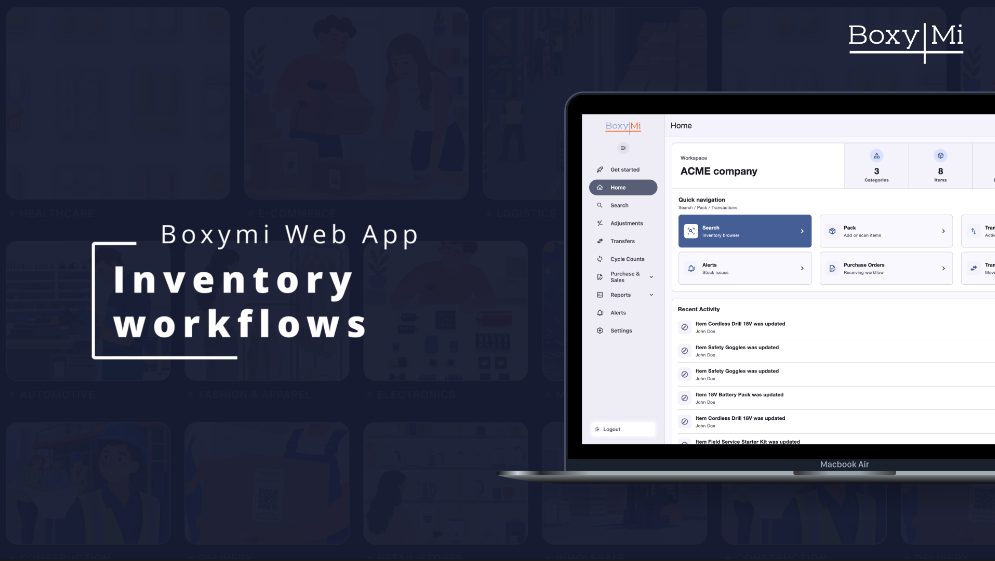
What you'll see
- A workspace that brings key totals, common tasks, and recent activity together.
- Catalog search, item details, and available stock by location.
- Reviewable workflows for stock adjustments and transfers.
- Cycle-count planning and purchase-order preparation.
Demo flow
The demo stays visual and moves quickly between capabilities rather than explaining individual fields or setup steps.
See how the web app keeps inventory visible and everyday operations moving.
Bring key totals, common tasks, and recent activity into view, then search the catalog and review item stock by location.
Choose the item, location, quantity, and reason, then review the change before confirming it.
Choose the source and destination, add the items and quantities, and review the movement in one place.
Choose a location, decide what needs counting, and prepare the count for the team.
Choose a supplier, add the required items and quantities, and review the order before moving on.
Close on inventory control, day-to-day operations, and purchasing in one workspace.
The web app keeps inventory visible while bringing day-to-day operations and purchasing into one workspace.
Transcript
Use the video player's controls to enable any captions available on YouTube. The feature list and demo flow above also provide a text alternative.