
Mobile App Demo
Take a quick tour of the Boxymi mobile app and see how inventory work stays close to the physical stock—wherever your team is working.
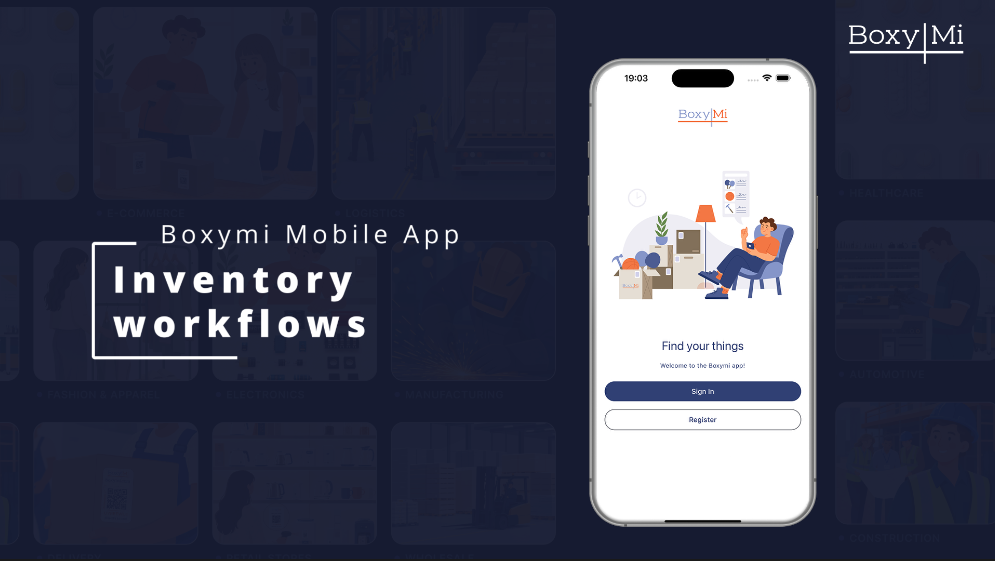
What you'll see
- Home-screen shortcuts for packing and inventory search.
- Item locations and available quantities at a glance.
- QR-code scanning and a guided item-creation flow.
- Low-stock, lot-expiry, and assigned cycle-count tasks in one focused view.
Demo flow
The demo emphasizes speed and mobility, using short scenes rather than a detailed task tutorial.
See how the mobile app keeps essential inventory tasks close at hand wherever work happens.
Begin packing or search the inventory in a single tap.
Browse items and review their locations and available quantities at a glance.
Open the scanner and identify an item with the device camera.
Enter the essential details from search and review the item before saving.
Open low-stock and lot-expiry alerts, review their details, and keep assigned cycle counts in view.
Close on essential inventory tools available through Boxymi Mobile on iOS and Android.
The mobile app keeps essential inventory tasks close at hand wherever work happens.
Transcript
Use the video player's controls to enable any captions available on YouTube. The feature list and demo flow above also provide a text alternative.